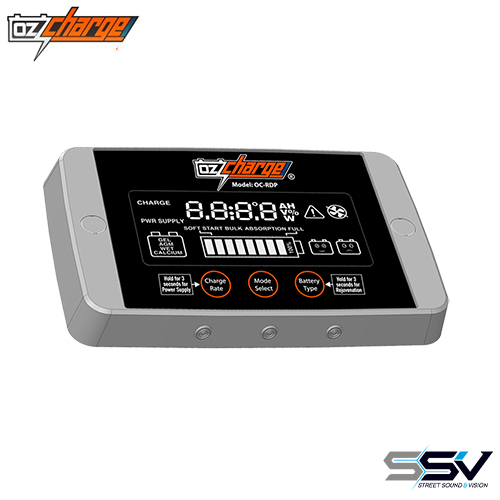
The OzCharge OC-RDP is a versatile remote display designed for easy connection to specific OzCharge chargers. It allows users to control and monitor charging functions from a convenient location, offering insights into battery health and status. Equipped with a 5m cable, it's perfect for flexible setups.
- LCD display for user-friendly operation
- Control charger functions remotely
- Displays Clock, Temperature, Battery Voltage, etc.
- 5m connection cable
- Dimensions: 116mm x 76mm x 13mm
- Power Consumption: 40mAh (Display On)
Power Consumption: 40mAh max with display on, 7mAh with display off. Dimensions: 116mm (W) x 76mm (H) x 13mm (D). Weight: 200g. Cable Length: 5m.
Allows remote monitoring and control of charger functions. Displays essential information like voltage, current, and temperature. Enhances user experience with clear LCD and comprehensive data display.
Connect the remote display to the main charger unit using the included 5m cable. Operate the charger functions via the remote interface for convenient monitoring and adjustments.
Compatible with OC-1225U 12V 25A and OC-2412U 24V 12A chargers.
24
No
The OzCharge OC-RDP Remote Display facilitates seamless battery charging monitoring and management. Ideal for use with compatible OzCharge models, it offers comprehensive display functions and allows various charger functionalities to be controlled remotely. Its intuitive LCD screen and 5m cable make it a user-friendly solution for enhancing your charging setup.